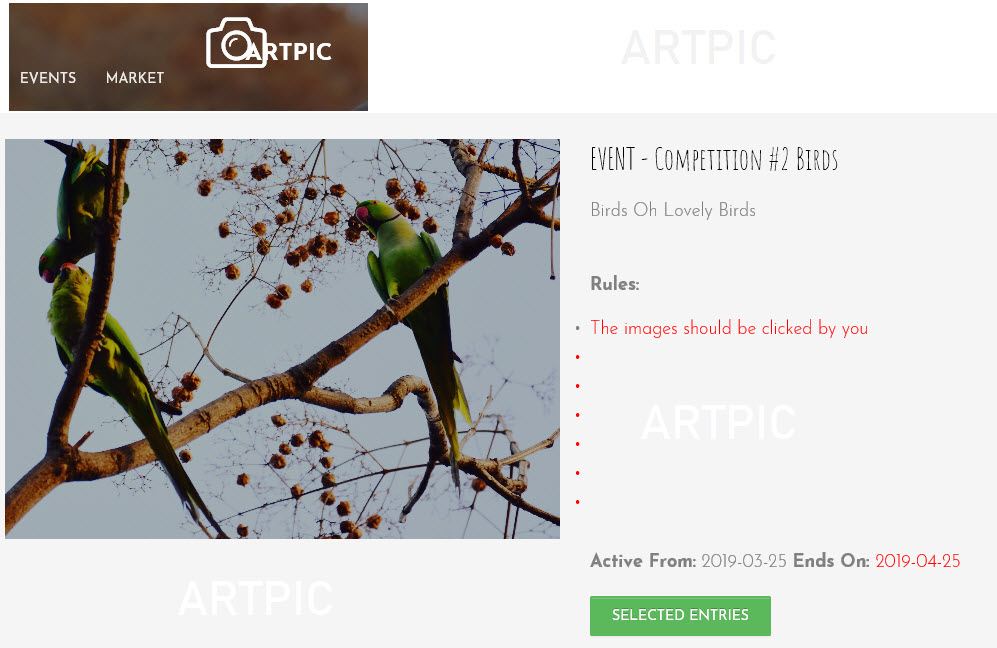
Events menu on the website is used to check for current or past events and competitions that are/were in progress. To participate in any of the events users are required to
First register and login into Artpic
From Settings page, Subscribe to contests must be checked inorder to receive competition details
To participate in any competition, you need to click on Chillout where all your events and competitions would be listed
Users must read the rules for the competiions and then
Click on Agree to Rules and Participate button
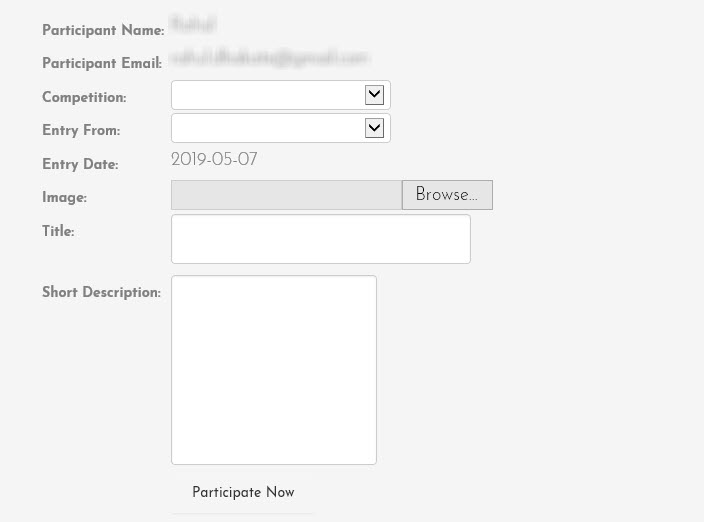
Entries for competitions could be submitted here
Note unless specified you must only enter one image for each competition along with required details
In case the users submit more than a single entry only first entry would be considered
All entries for each competition are moderated by moderators
On successful moderation for your entry, the image will be listed in selected entries in Events page of Artpic